Mirror your Android phone to Mac, Windows PC, and Smart TV in seconds with PigeonCast. Enjoy crystal-clear video and smooth wireless streaming.


Free & Powerful Android Screen Mirroring App

Flexible wireless connection options for easy screen mirroring Android

Screen mirror Android to TV or mirror Android screen to PC, like Mac

Mirror Android device to Mac or Apple TV, with no OS barriers

Stream games, movies, and work in 2K — sound optional

Expand Android screen to TV or PC for stunning viewing experience

Stream YouTube, Vimeo, or your albums with full playback control
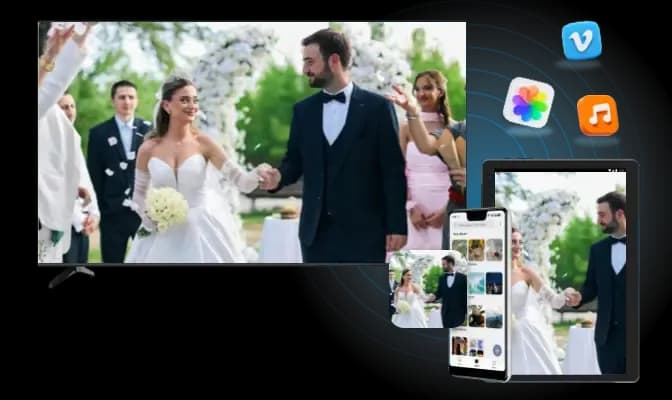
Use PigeonCast to stream videos, apps, and games directly from your Android phone to your Android TV via Google Cast. Enjoy smooth playback with no cables and full-screen experience.
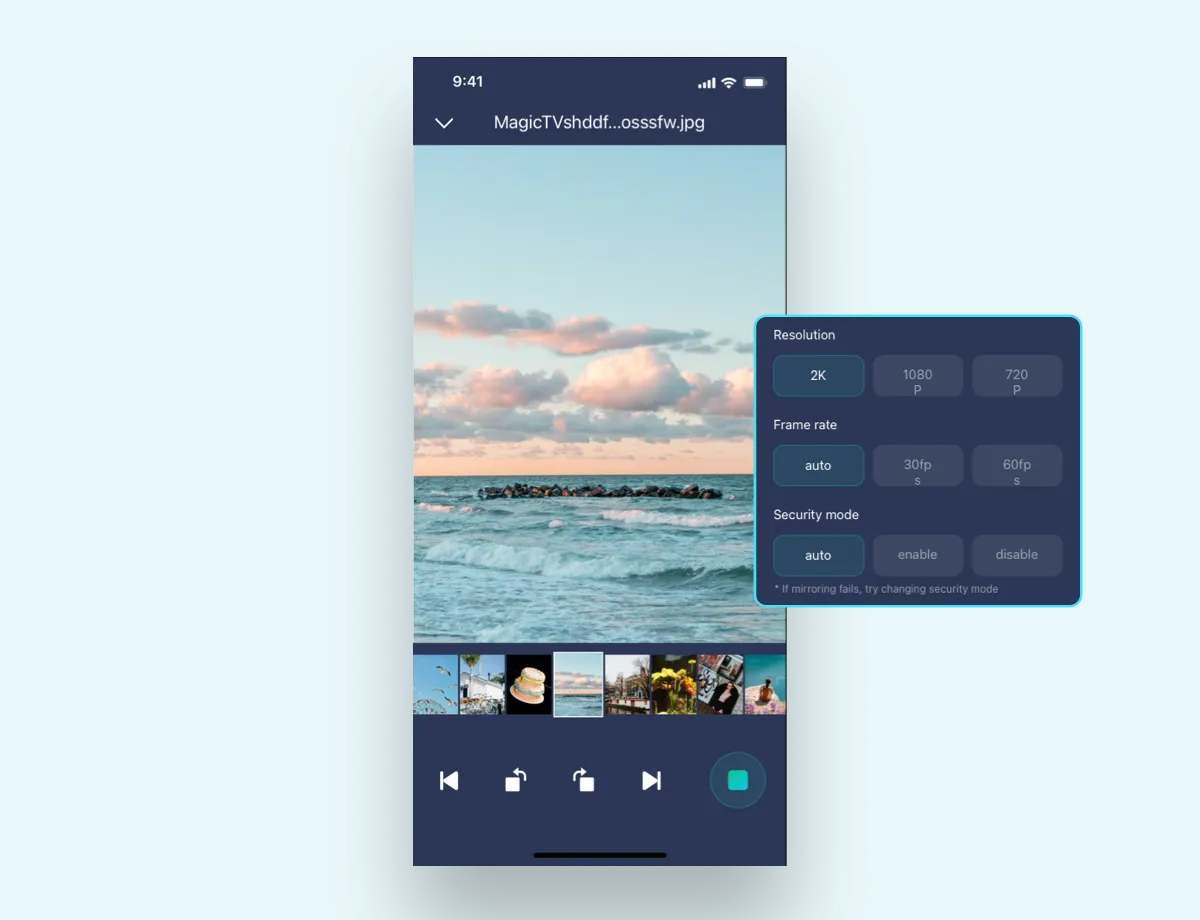
2K Mirroring: Mirror your phone screen in up to 2K resolution with optional mute mode for distraction-free sharing.
Local Media Casting: Cast videos, music, and photos from your device with controls for playback, skip, and volume.
Web Video Support: Cast from sites like YouTube or Vimeo directly, with full control over playback and navigation.
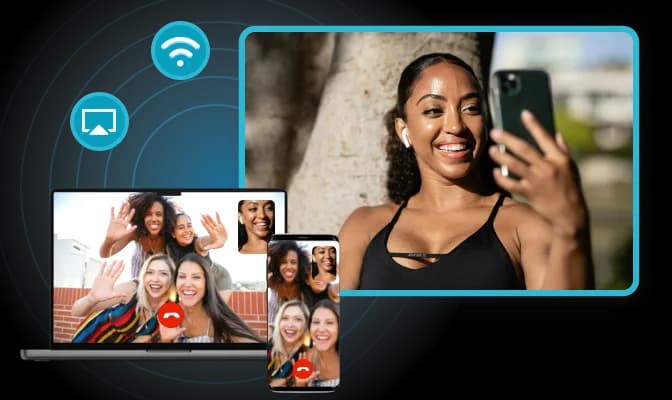
PigeonCast makes it easy to mirror your Android device to Mac or Apple TV via AirPlay—removing ecosystem limits and delivering a high-quality, wireless experience.
Exclusive AirPlay Support: Turn your Android device into an AirPlay sender, enabling seamless casting to Mac and Apple TV.
Screen & Media Mirroring: Mirror your screen in up to 2K/60fps, or cast videos and music with advanced playback controls.
Online Video Casting: Stream content from YouTube, Vimeo, and more, with smooth performance and interactive playback tools.
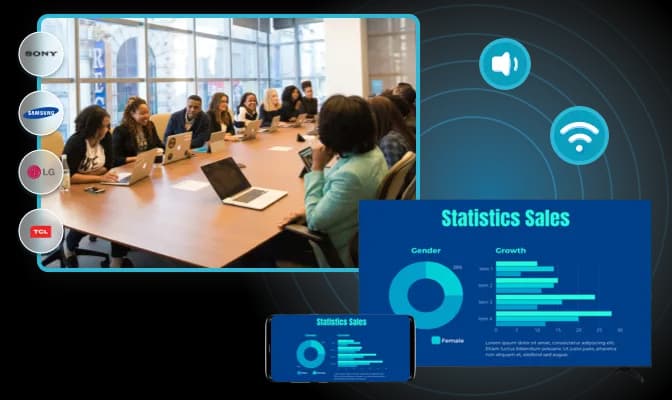
PigeonCast uses DLNA to cast media from Android to most smart TVs, including Sony, Samsung, LG, TCL, and more—no extra devices or cables needed.
Broad Compatibility: Works seamlessly with most DLNA-enabled TVs across major brands, no extra hardware required.
Local Media Casting: Cast videos, music, and photos from your phone to your TV with playback controls like pause, skip, seek, and volume.
Effortless Streaming: Just connect to the same Wi-Fi network and start casting in seconds for a smooth, wireless experience.
Simple steps to start mirroring
Download and install PigeonCast app on your Android
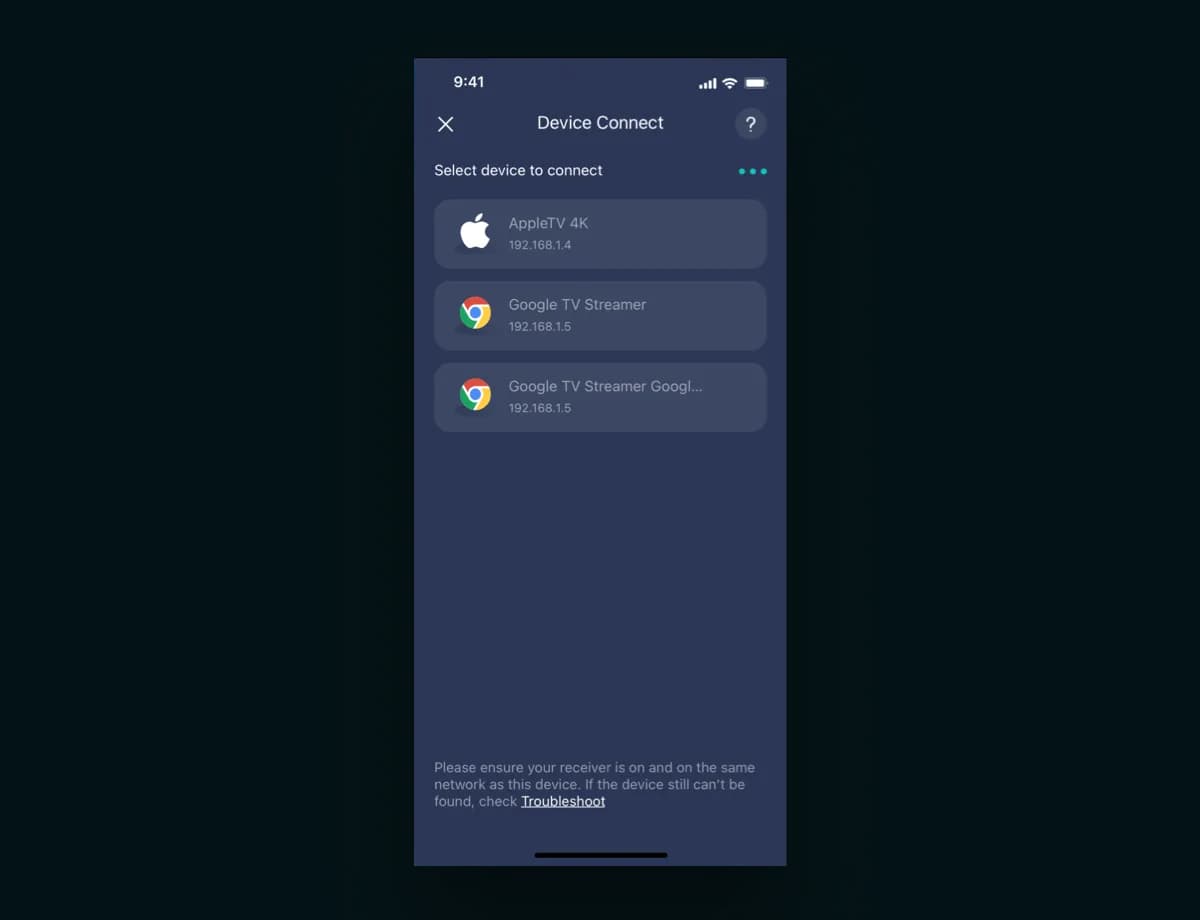
Connect both devices on the same Wi-Fi network
Share your Android screen or content
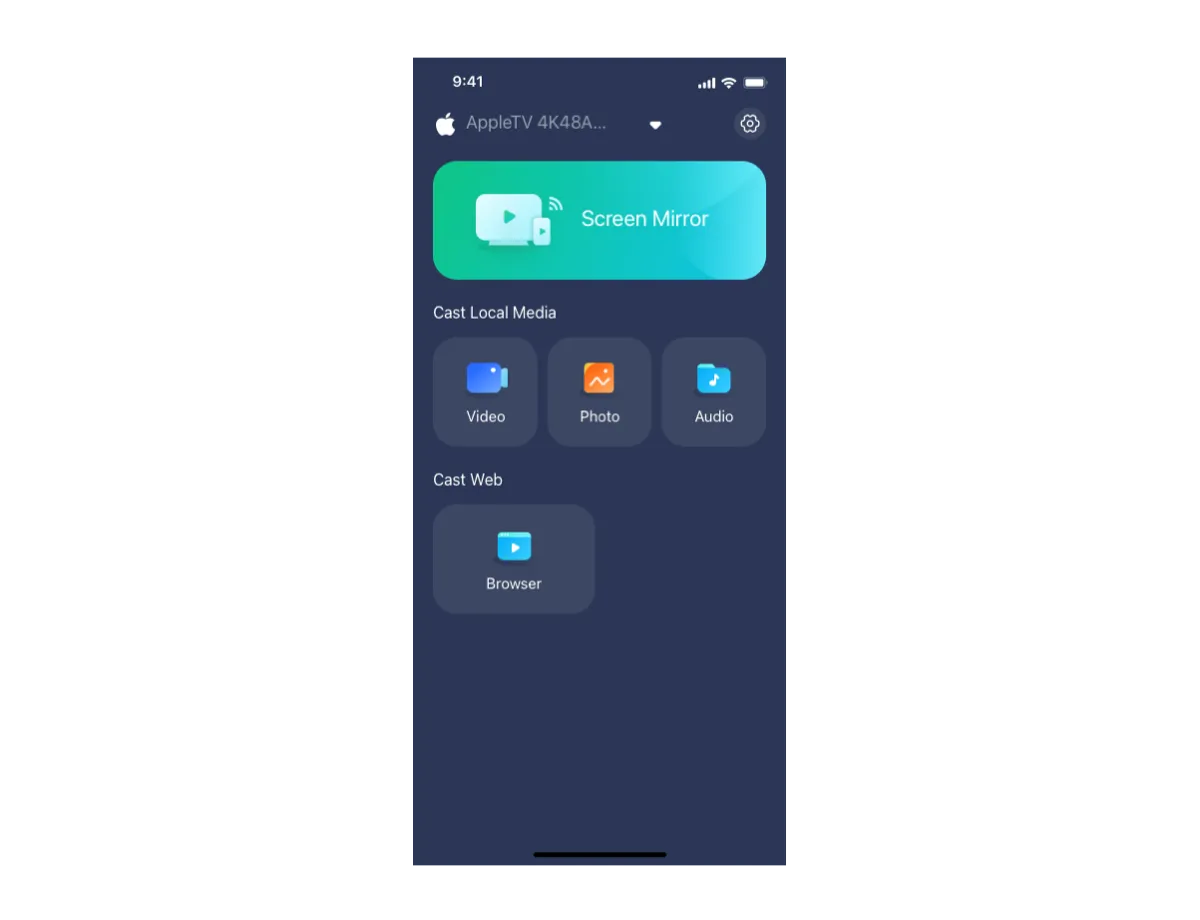
Currently free with all features for regular use.
Subscription-based premium service will launch later.
Transparent billing: paid features are clearly marked for optional use.
PigeonCast for Android supports AirPlay, Google Cast, DLNA, and PigeonCast (upcoming).
Yes! PigeonCast for Android supports 4K at 60fps over AirPlay. However, actual performance may vary depending on the capabilities of your devices—most phones, for example, are limited to 2K resolution.
Security is core to our design: no viruses, no malicious ads, no data theft risks.
Experience the freedom of wireless screen sharing — download PigeonCast for Android now!

