Mirror your iPhone or iPad to PC, TV, or other screens in seconds with PigeonCast. Enjoy crystal-clear video, stable audio, and seamless wireless streaming.


Powerful features for iPhone & iPad users

Flexible wireless connection options for easy screen mirroring iOS

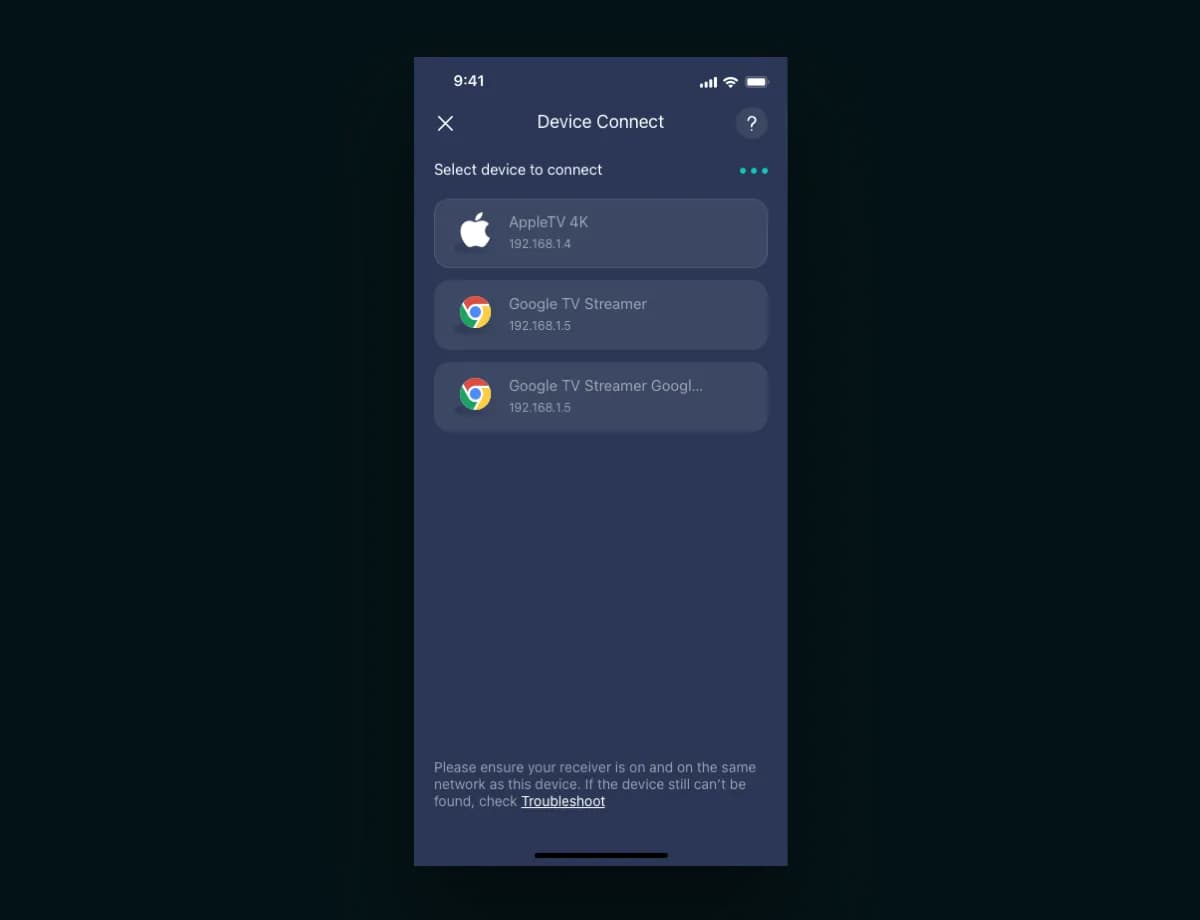
Start screen mirroring iPhone to PC, Chromecast, or TV easily

Watch iPhone on any Chromecast-enabled display

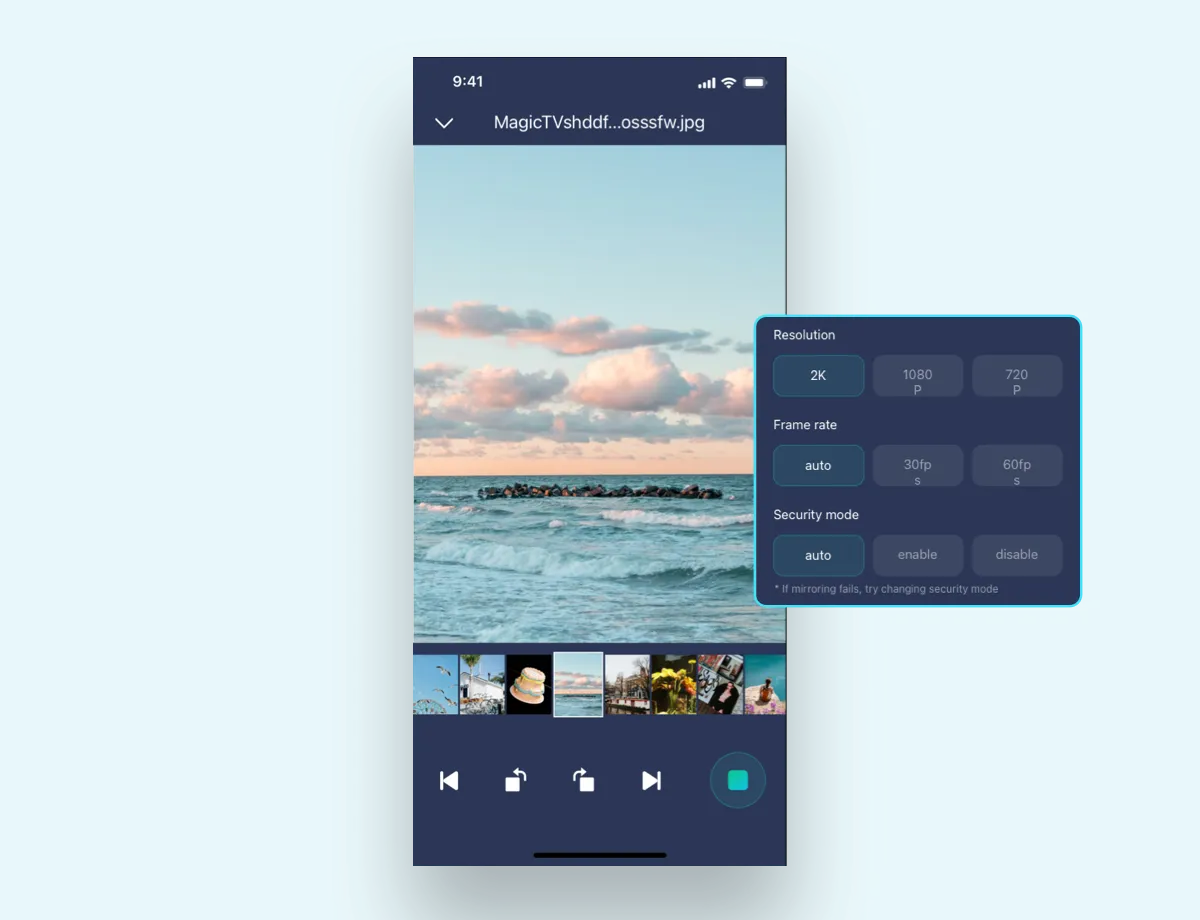
Enjoy 1080p streaming—no quality loss

Expand your iPhone or iPad screen for immersive viewing experience

Stream YouTube, Vimeo, or your albums with full playback control
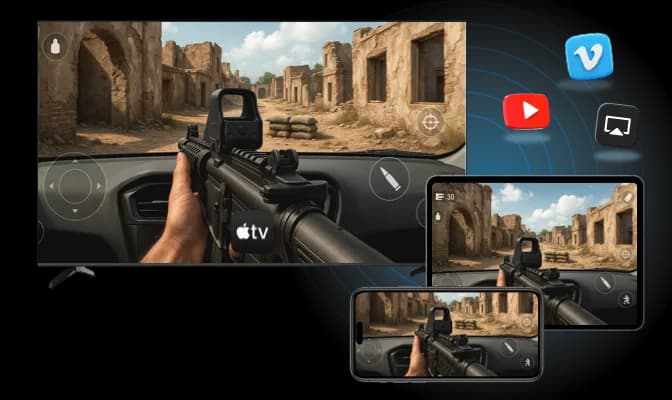
Use PigeonCast to mirror your iPhone to Apple TV or Mac via AirPlay. Enjoy smooth, wireless iPhone or iPad mirroring with full media control.
AirPlay Sender Support: Act as AirPlay sender, seamlessly cast your screen and media to Apple TV and Mac devices wirelessly.
Local Media Casting: Easily cast videos and music stored on your iPhone with intuitive playback controls, including play, pause, skip, seek, and volume adjustment.
Web Video Casting: Stream videos directly from popular websites like YouTube and Vimeo, with full interactive controls to pause, skip, and navigate playback smoothly.
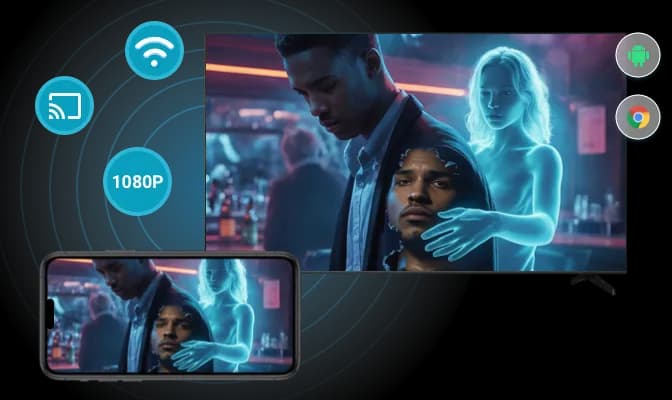
With the integration of Google Cast, PigeonCast mirrors your iPhone to any Chromecast-enabled device, like Android TV. Wireless, seamless, and totally free of ecosystem lock-ins.
Google Cast Support: Transform your iPhone into a Google Cast sender, allowing effortless wireless streaming to any Chromecast-enabled TV or device.
High-Quality Screen Mirroring: Mirror your iPhone screen in crisp 1080p+ resolution with the option to mute audio, perfect for distraction-free sharing on big screens.
Cast Everything from iPhone: Stream your entire iPhone screen, local videos, music, photos, and web content directly to your TV for a full big-screen experience.
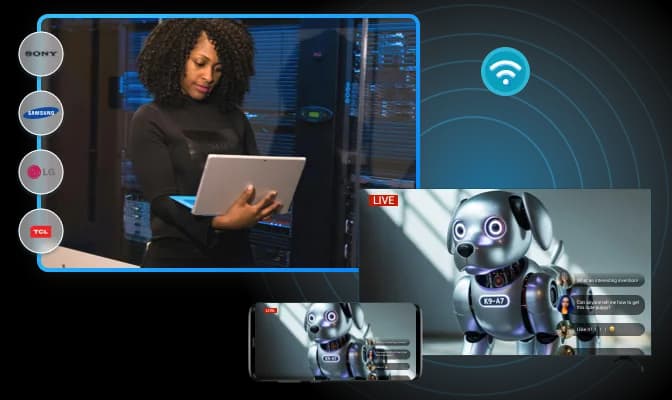
PigeonCast lets you cast photos, videos, and music from your iPhone to most smart TVs via DLNA—including Samsung, LG, Sony, and more—with no extra hardware needed.
Local Media Casting: Wirelessly stream videos, music, and photos from your iPhone to your smart TV, enjoying your media library on the big screen.
Full Playback Controls: Take full control of playback on your TV with intuitive options to play, pause, skip, seek through content, and adjust volume effortlessly.
Broad Compatibility: Compatible with most DLNA-enabled smart TVs from leading brands, enabling seamless media casting without additional hardware.
Simple steps to start mirroring
Download and install PigeonCast app on your iPhone or iPad
Connect both devices on the same Wi-Fi network
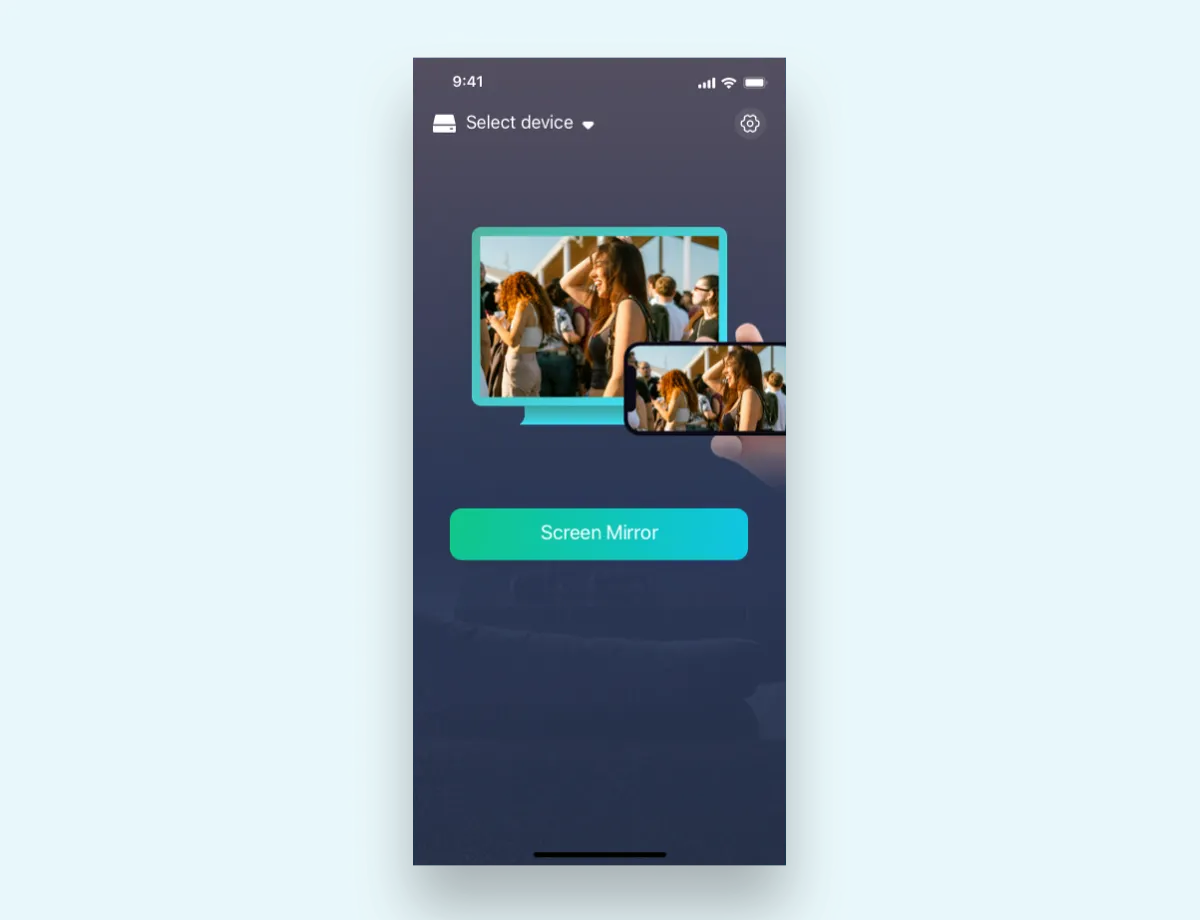
Share your device screen or content
PigeonCast offers both free and premium versions. The free version includes essential screen mirroring features, while the premium version unlocks additional capabilities such as 4K resolution, advanced recording options, and removal of watermarks. You can download and use the basic version without any cost.
PigeonCast for Windows is fully compatible with Windows 10 and Windows 11 (both 64-bit versions). We recommend using the latest Windows updates to ensure optimal performance and compatibility. The application requires minimal system resources and can run effectively on most modern Windows computers.
PigeonCast supports multiple transmission protocols to ensure broad compatibility across different devices. These include Miracast, DLNA, AirPlay, and Google Cast. This multi-protocol approach enables seamless screen mirroring between Windows PCs and various devices such as smart TVs, smartphones, tablets, and streaming devices regardless of brand or operating system.
Yes, PigeonCast supports 4K screen mirroring in the premium version. This allows for ultra-high-definition content display on compatible 4K TVs and monitors. The free version supports mirroring up to 1080p resolution. Note that 4K mirroring requires adequate network bandwidth (preferably 5GHz Wi-Fi or wired connection) and compatible hardware on both the sending and receiving devices.
Experience the freedom of screen mirroring iPhone to TV or PC — download PigeonCast for iOS now!

