Mirror your iPhone, Android, PC, or Mac to Android TV instantly with PigeonCast. Crystal-clear video. Smooth wireless streaming. No cables needed.

Powerful, flexible, and secure mirroring experience for Android TV

No technical expertise needed, cast to Android TV no hassle

Supports AirPlay, Google Cast, and DLNA for easy streaming

Stream videos, music, photos, and more from apps like YouTube

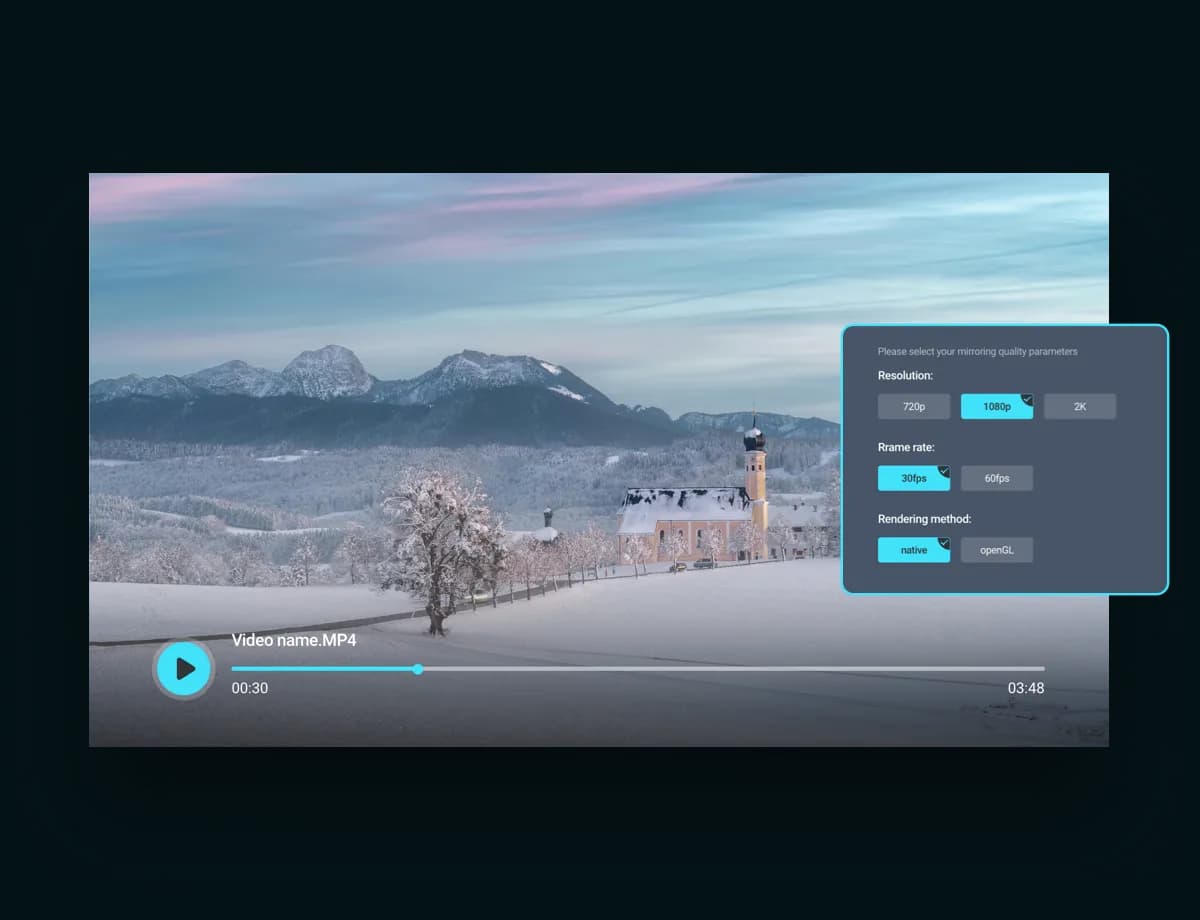
Stream up to 2K with adjustable frame rate for smooth play

Enjoy videos and gameplay on a bigger screen

Optional PIN keeps your connection private and secure
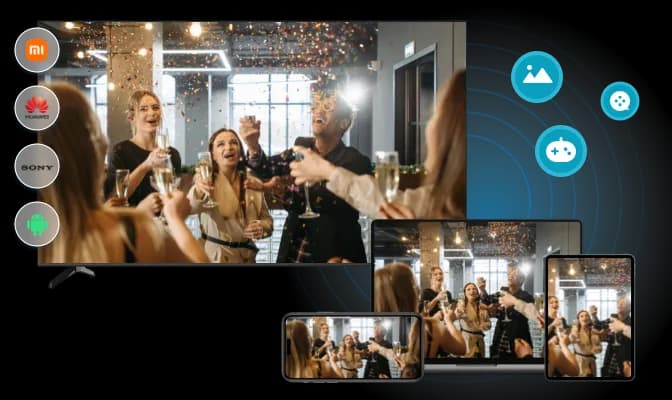
Instantly stream from your iPhone, iPad, or MacBook to your TV over AirPlay. Perfect for Apple screen mirroring to Android TV.
Wireless connection: Quick setup over the same Wi-Fi network, no extra hardware
Big-screen viewing: Stream game, video, photo, app, or webpage to TV instantly
Smart rendering: choose Native or OpenGL based on device performance
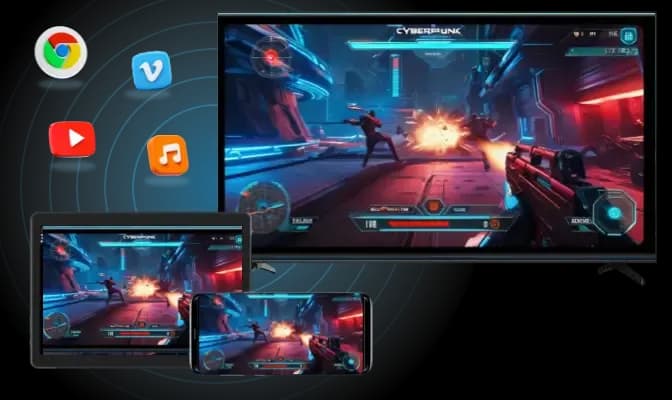
Project any content from your Android phone or tablet to Android TV seamlessly, sharing videos, music, or photos on the big screen.
Seamless casting: Mirror screen or cast local albums with built-in Google Cast support
Browser ready: Fullscreen or window casting from Chrome and Edge with just one click
App-friendly: One-tap casting from YouTube, Vimeo, and YouTube Music—no setup needed
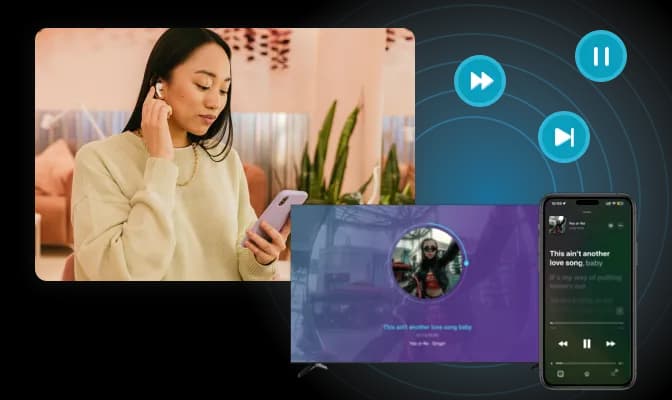
Stream from any DLNA-compatible app straight to your Android TV. Enjoy effortless playback control for both video and music.
Wide support: Works with DLNA sender apps and video apps with DLNA casting
Interactive control: Pause, play, or skip ahead/back during video playback right from your TV
Smart music control: Seamlessly play, pause, or switch tracks in order during music casting
Simple steps to start mirroring
Download and install PigeonCast for Android TV on your Android TV
Connect both devices on the same Wi-Fi network
Start screen mirroring to Android TV and enjoy
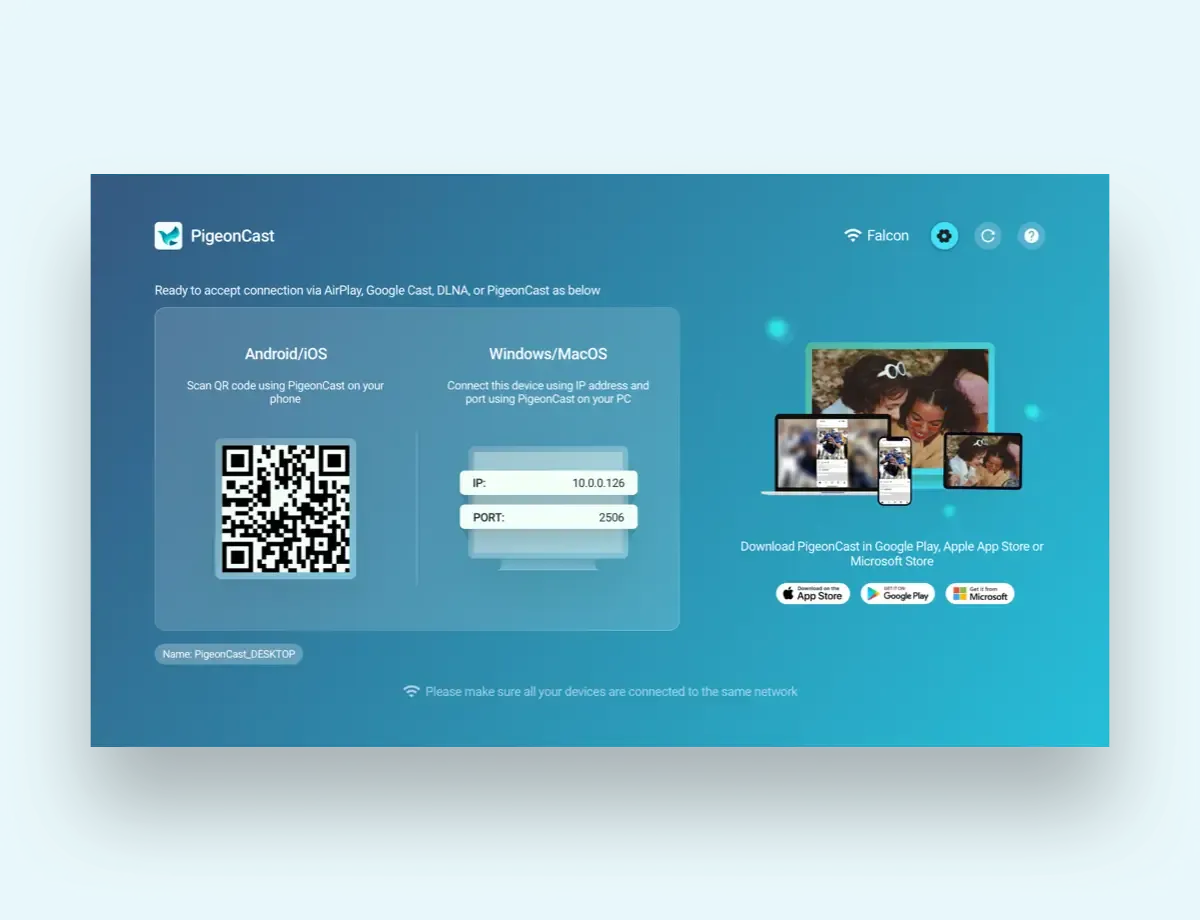
PigeonCast for Android TV supports Android 6 and above.
Yes! PigeonCast for Android supports 4K at 60fps over AirPlay. However, actual performance may vary depending on your devices' capabilities—most phones, for example, are limited to 2K resolution.
Yes! You can turn off the sound, no matter which screen mirroring protocol is enabled.
Currently free with all features for regular use.
Subscription-based premium service will launch later.
Transparent billing: paid features clearly marked for optional use.
Download PigeonCast for Android TV today and enjoy seamless screen mirroring on your big screen!

